At work, I sometimes need to read a long document.
Meeting materials.
Proposals.
Internal reports.
The longer the document becomes, the easier it is to lose sight of why I am reading it in the first place.
I am a Japanese professional in my 50s.
Through many years of work, I have learned that reading quickly is less important than noticing the details that could affect a decision.
That is why I do not ask AI to understand the entire document for me.
I use AI before I read.
It helps me identify:
What should I confirm?
Which details require attention?
What questions should I keep in mind?
AI helps me prepare to read the document more carefully.
- Do Not Make Decisions From the AI Summary Alone
- Tell AI Why You Are Reading the Document
- Create a Checklist Before Reading
- Separate Missing Information From Unconfirmed Information
- Return to the Original Document
- Do Not Upload Confidential Documents
- Start With a Document You Already Understand
- AI Does Not Replace Reading
Do Not Make Decisions From the AI Summary Alone
AI can turn a long document into a short summary.
That can be useful.
But it is risky to read only the summary and assume that you understand the original document.
AI chooses which points appear important and removes other details.
During that process, it may leave out a condition that matters to your work.
A price.
A deadline.
An exception.
A limit on responsibility.
These details may look small, but they can be the most important part of a business document.
I do not use the AI summary as the final answer.
I use it as a map that helps me read the original document.
Tell AI Why You Are Reading the Document
The important parts of a document depend on the reader’s role.
A manager may focus on risk and responsibility.
A salesperson may focus on customer conditions and pricing.
A person responsible for implementation may need deadlines and detailed instructions.
Before asking AI to organize the document, I explain my purpose.
For example:
I am reviewing this document as the person responsible for carrying out the work. Please identify the conditions, deadlines, and unresolved issues I should confirm before taking action.
This gives me more useful results than simply asking:
Please summarize this document.
The instruction does not need to sound technical.
AI only needs to know who is reading the document and why.
Create a Checklist Before Reading
Another useful method is to ask AI to create a checklist before I begin reading closely.
I may use this prompt:
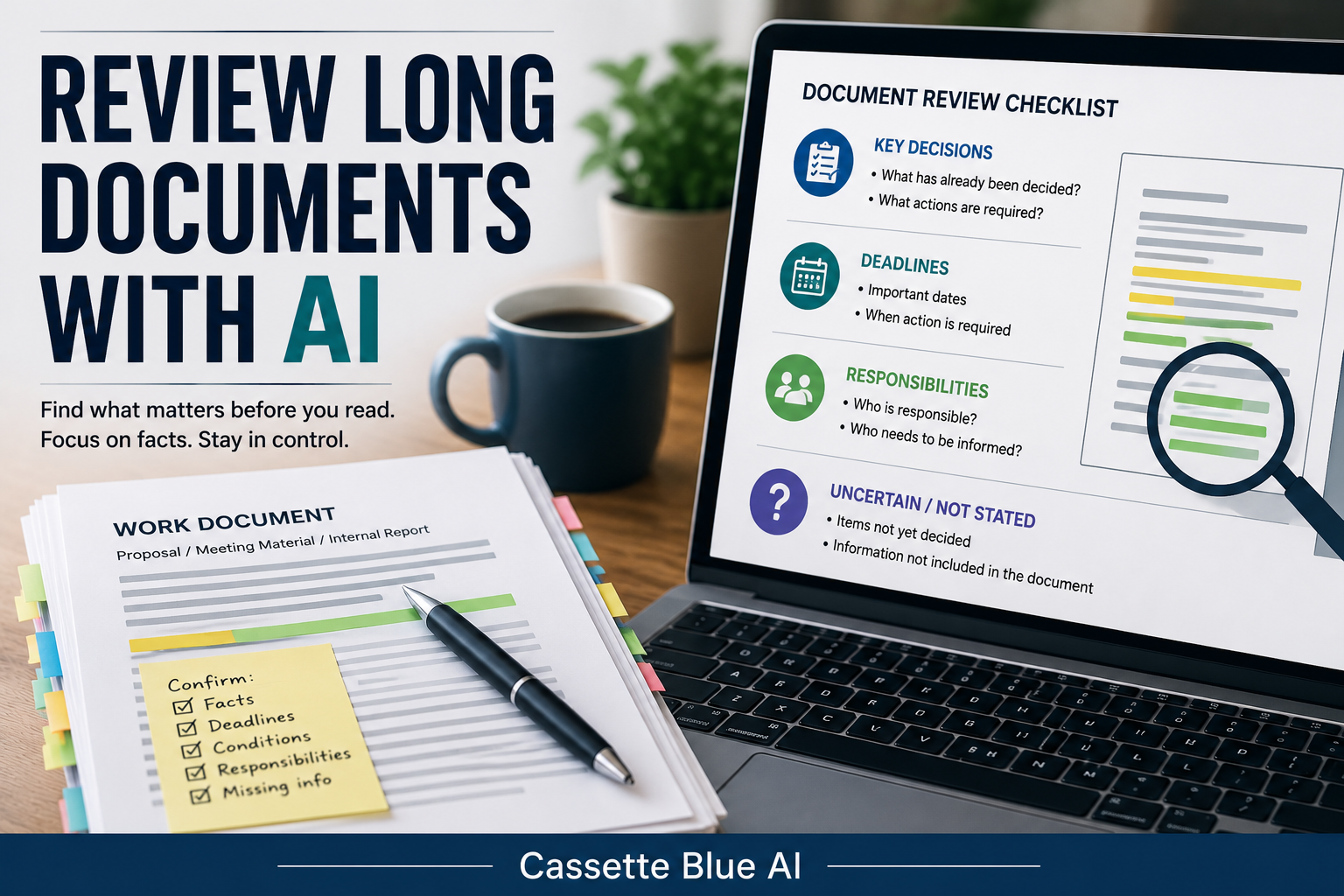
Please organize the important points in this document into four sections: decisions, deadlines, responsible people, and unresolved issues. Do not add or guess any information that is not included in the document.
This gives me a clearer way to approach the material.
What has already been decided?
When is action required?
Who is responsible?
What is still uncertain?
When I know what I am looking for, a long document becomes easier to review.
I am not asking AI to make the decision.
I am asking it to help me create the questions I need to answer.
You can use a similar structure to organize meeting notes and clarify the next steps.
Separate Missing Information From Unconfirmed Information
AI sometimes tries to fill in gaps based on the surrounding text.
But in professional work, these situations are different:
The information is not written.
The information has not been decided.
The information still needs confirmation.
I ask AI to keep those differences visible.
For example:
If an item is not clearly stated in the document, mark it as “Not stated.” Do not complete it with an assumption.
If the document does not identify the responsible person, the result should say:
Responsible person: Not stated
It should not say:
The department manager is probably responsible.
Leaving missing information unresolved is sometimes the correct result.
This is important in human work, and it is equally important when using AI.
Return to the Original Document
An AI-generated list may look clear and well organized.
But clear formatting does not guarantee accuracy.
I return to the original document to confirm important dates, numbers, conditions, and responsibilities.
I do not rely on the summary alone.
When a sentence appears especially important, I read the surrounding paragraphs as well.
A single sentence may not explain an exception or limitation.
AI can reduce the time required to find the relevant section.
It cannot take responsibility for checking whether the information is correct.
Professional experience is valuable here.
Experience helps me notice when something feels incomplete.
It helps me recognize which missing condition could create a problem later.
That judgment still belongs to the person doing the work.
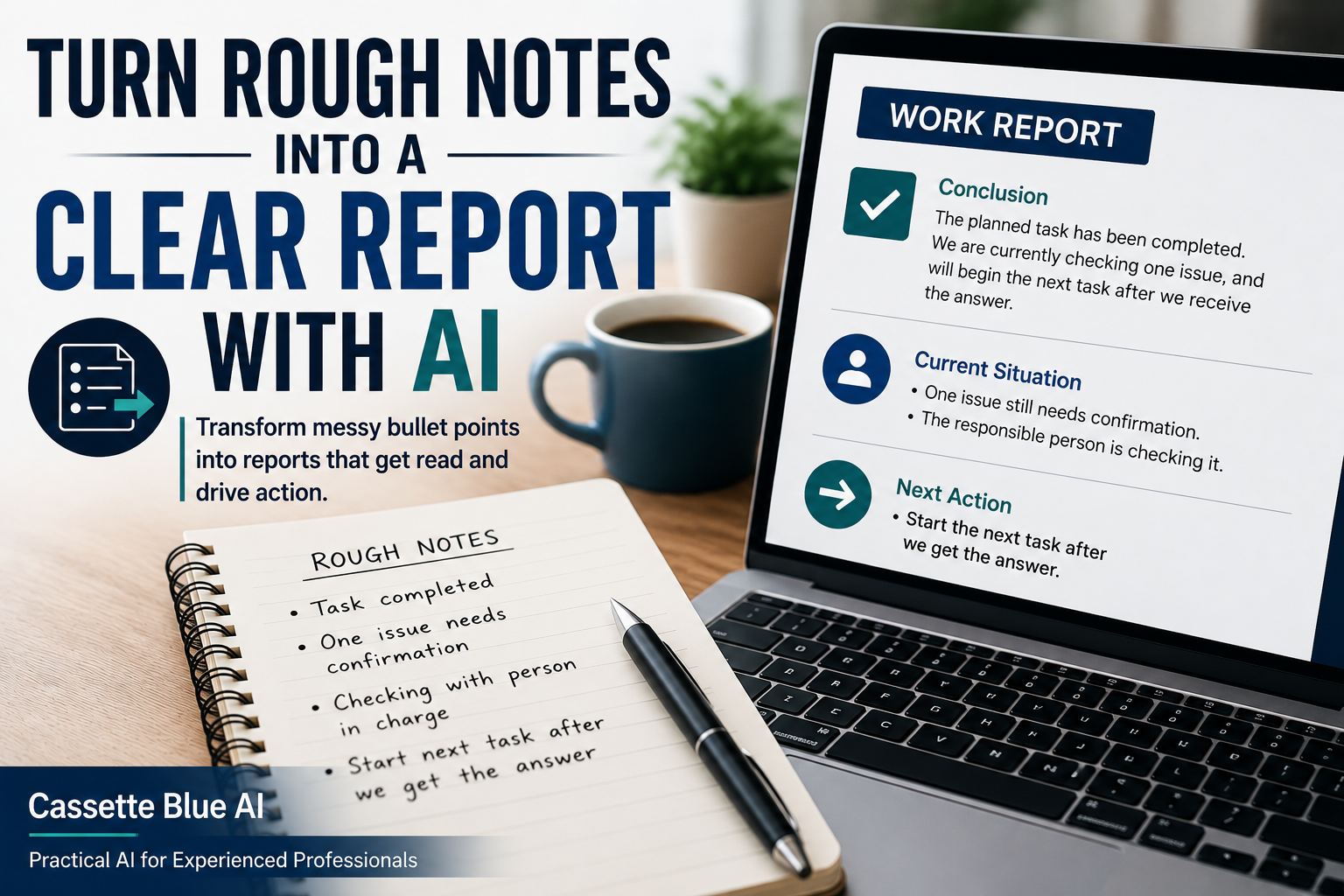
After identifying the key points, you can turn your rough notes into a clear work report with AI.
Do Not Upload Confidential Documents
Internal and customer documents may contain information that should not be shared outside the company.
Company names.
Customer names.
Prices and contract conditions.
Unannounced plans.
Do not upload a confidential document directly to a public AI tool.
If your employer has rules about AI use, follow those rules first.
For practice, use a public document or a sample document you created yourself.
Protecting information is more important than saving a few minutes.
Start With a Document You Already Understand
You do not need to begin with an important document that requires an immediate decision.
Choose an older document that you already understand.
Remove confidential or personal information.
Then ask AI:
I am reviewing this document as the person responsible for carrying out the work. Please organize the content into decisions, deadlines, responsible people, and unresolved issues. If information is not included, mark it as “Not stated.” Do not guess.
Compare the result with your own understanding.
Did AI miss an important point?
Did it mix facts with assumptions?
Did it help you find the sections that needed closer attention?
You do not need to use the result for real work.
Simply comparing the AI version with your own understanding will show you where it is helpful and where human judgment remains necessary.
AI Does Not Replace Reading
AI can help me understand the structure of a long document more quickly.
It can help me find the parts that require closer attention.
But the responsibility for reading and judging the document remains with me.
What matters most?
Which condition could create a problem?
Which section needs to be checked again?
Those decisions must come from someone who understands the work.
I do not think of AI as reading the document for me.
I think of it as helping me prepare to read the document properly.
If you prefer a structured way to learn practical AI skills, explore AI courses for experienced professionals.
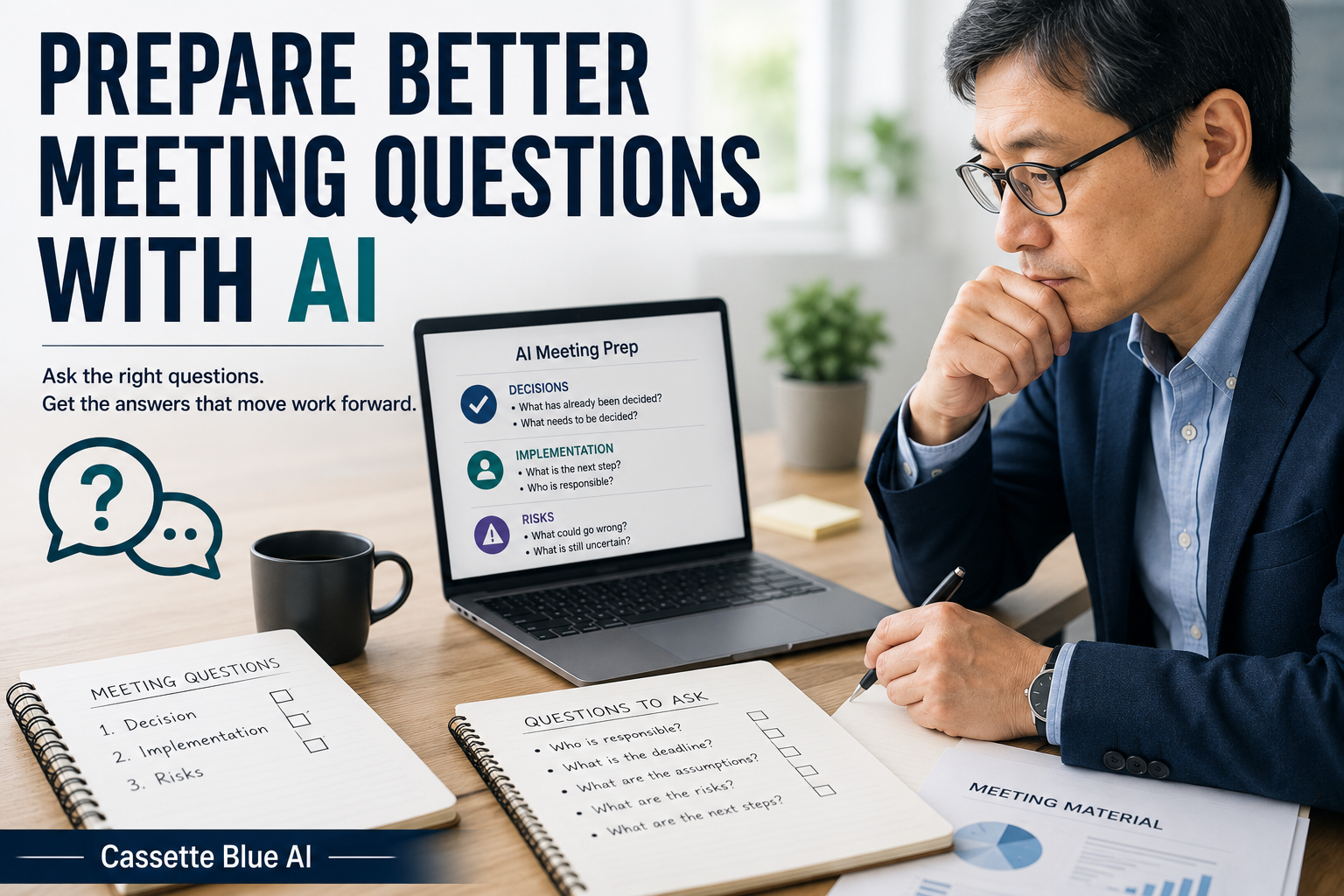
After reviewing the document, learn how to prepare better questions before a meeting with AI.
Do not hand the decision to AI.
Use AI to find what needs your attention.
Then return to the original document yourself.
コメント