At work, I sometimes receive a request that sounds clear at first but does not include enough detail to begin confidently.
“Please summarize this document.”
“Please handle this as soon as possible.”
“Please organize this in a clearer way.”
I understand the general request.
But I may not understand what the finished result should look like.
Who will read it?
When is it needed?
How much detail should it include?
If I begin without confirming these points, I may later discover that I worked in the wrong direction.
I am a Japanese professional in my 50s.
Through many years of work, I have learned that the more unclear a request is, the more important the first questions become.
I do not ask AI to decide what the request means.
I use AI to identify the information I may need to confirm before I begin.
- An Unclear Request Is Not Always a Problem With Your Ability
- Confirm the Purpose First
- Organize the Missing Information Into Five Areas
- Ask AI to Make the Questions Shorter
- Do Not Ask Everything at Once
- Do Not Send AI-Generated Questions Without Reviewing Them
- Do Not Enter Confidential Information
- Start With a Request From the Past
- Keep Responsibility for Clarification
An Unclear Request Is Not Always a Problem With Your Ability
When I do not fully understand a request, I may wonder whether the problem is my own lack of understanding.
I may also worry that asking a basic question will make me look inexperienced.
But sometimes the request itself does not contain enough information.
The purpose.
The deadline.
The intended reader.
The required format.
The priority.
Even an experienced professional cannot make a reliable decision when these points are missing.
It is usually faster to confirm the important details at the beginning than to complete the work and later discover that it needs to be done again.
AI can help me see which parts of the request are still unclear.
Confirm the Purpose First
The same request can lead to very different results depending on its purpose.
A document for a manager’s decision is different from a document for a customer.
An internal summary is different from a presentation for a meeting.
The purpose changes the amount of detail, the structure, and the tone.
I may give the request to AI and ask:
Please identify what I need to confirm about the purpose of this request. Do not guess any information that is not included.
AI may suggest questions such as:
Who will use the result?
What decision will it support?
What should the reader do after reviewing it?
I do not need to ask every question AI suggests.
I choose only the questions that matter for the work.
Organize the Missing Information Into Five Areas
I find it useful to divide an unclear request into five areas:
- Purpose
- Final format
- Deadline
- Priority
- Person responsible for approval
I may use this prompt:
Please organize the missing information in this work request into five areas: purpose, final format, deadline, priority, and person responsible for approval. If the information is not included, mark it as “Unknown.”
For example, imagine receiving this request:
Please prepare an easy-to-understand document for next week’s meeting.
AI may organize the missing information like this:
Purpose: It is unclear whether the document is for explanation or decision-making.
Final format: It is unclear whether the result should be slides, a written report, or a short summary.
Deadline: It is unclear whether the document is needed on the day of the meeting or earlier for review.
Priority: It is unclear how this task compares with other current work.
Person responsible for approval: It is unclear who should review the document before the meeting.
Once the missing information is separated, it becomes easier to decide what to ask.
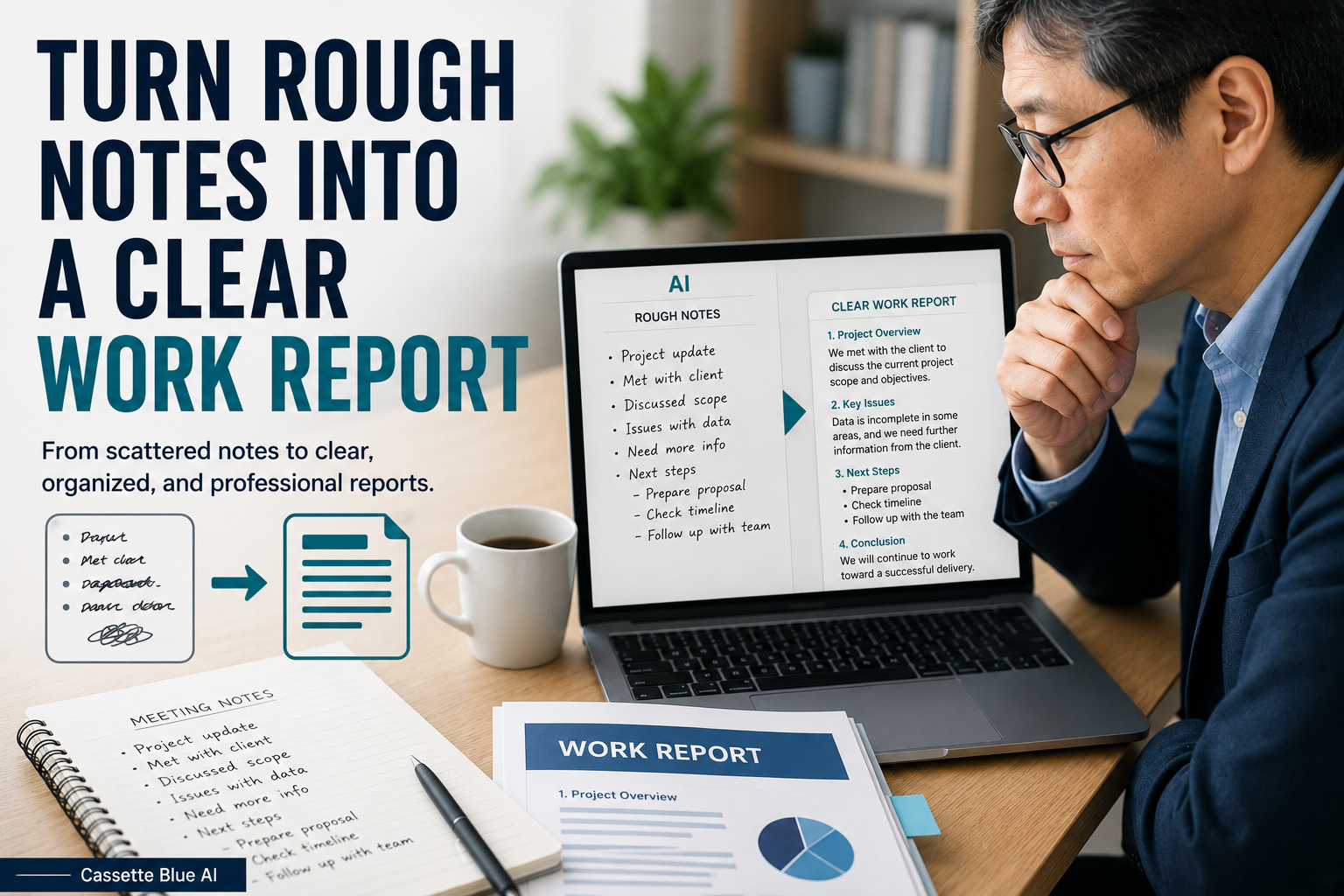
Once the request is clear, you can turn your rough notes into a clear work report with AI.
Ask AI to Make the Questions Shorter
AI may create questions that are too long or formal to use naturally.
After choosing the questions I need, I ask AI to shorten them.
For example:
Could you please explain the purpose of this document, including who will use it and in what situation it will be presented?
can become:
Who will use this document, and for what purpose?
Another long question such as:
Could you please provide the exact date and time by which the final document should be submitted?
can become:
What is the exact deadline?
A longer question is not always more polite.
A short question is often easier for the other person to understand and answer.
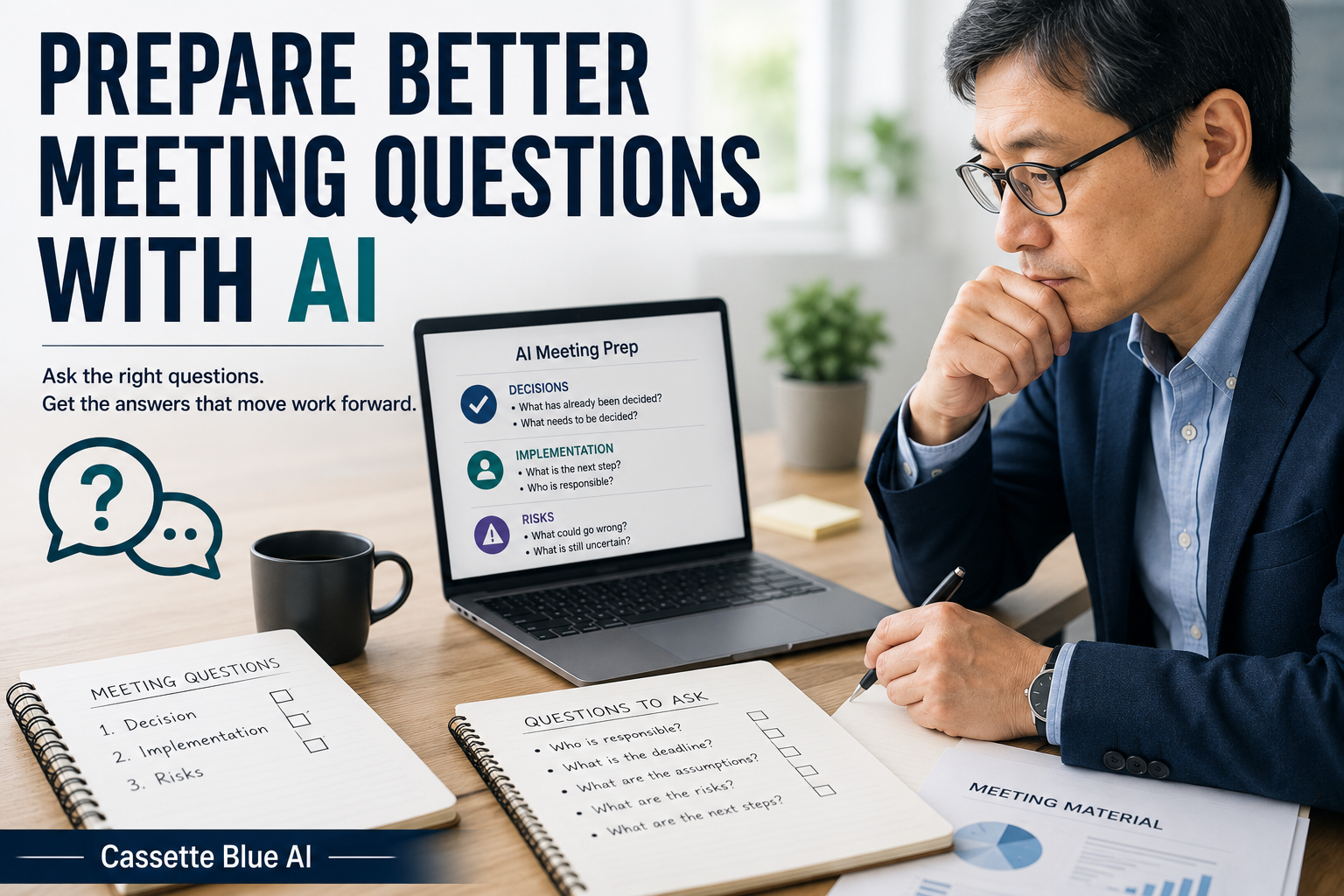
The same method can help you prepare better questions before a meeting with AI.
Do Not Ask Everything at Once
When AI identifies missing information, it may produce a long list of questions.
But I do not need to ask all of them immediately.
I first confirm the information that determines the direction of the work:
Who will use it?
What should I create?
When is it needed?
In many cases, those three answers are enough to begin.
Smaller details can be confirmed later.
The goal is not to create more questions.
The goal is to reduce unnecessary rework.
Do Not Send AI-Generated Questions Without Reviewing Them
AI does not fully understand the relationship between the people involved.
A question to a manager may need different wording from a question to a colleague.
A customer may require a more careful explanation.
AI may also create wording that sounds too strong.
For example:
Why has the deadline not been decided?
may sound accusatory.
I may change it to:
Could you let me know the expected deadline?
or:
When would you like this completed?
The information I need is the same, but the tone is different.
In Japanese workplaces, careful wording is often important.
However, confirming necessary information without blaming the other person is useful in any workplace.
AI can create possible questions.
I still choose the final wording.
Do Not Enter Confidential Information
A work request may include customer names, internal plans, prices, or contract details.
Do not enter confidential information directly into a public AI tool.
Replace a company name with Company A.
Replace a personal name with Manager or Team Member.
Remove exact prices or contract terms when they are not necessary.
AI only needs the structure of the request.
It does not need real names or confidential details.
If your employer has rules about AI use, follow those rules first.
Start With a Request From the Past
You do not need to test this method on an important task that is currently in progress.
Think of a request you received in the past that was difficult to understand.
Remove confidential information.
Then ask AI:
Please identify the missing information in this work request. Organize it into purpose, final format, deadline, priority, and person responsible for approval. Do not guess. Mark missing information as “Unknown.”
Compare the result with your own experience.
Did AI identify the point that caused difficulty?
Did it create unnecessary questions?
Did it reveal something you should have confirmed at the beginning?
You do not need to use the result.
The comparison alone will show you where AI may be helpful.
Keep Responsibility for Clarification
AI can identify information that is missing from a request.
It can also suggest questions.
But it cannot decide how much clarification is necessary.
The relationship with the person making the request.
The urgency of the task.
Previous conversations.
Your own professional experience.
Those details are understood by the person doing the work.
I do not think of AI as deciding what the request means.
I use it to organize what I may need to confirm before I begin.
If you prefer a structured way to build practical AI skills, explore AI courses for experienced professionals.
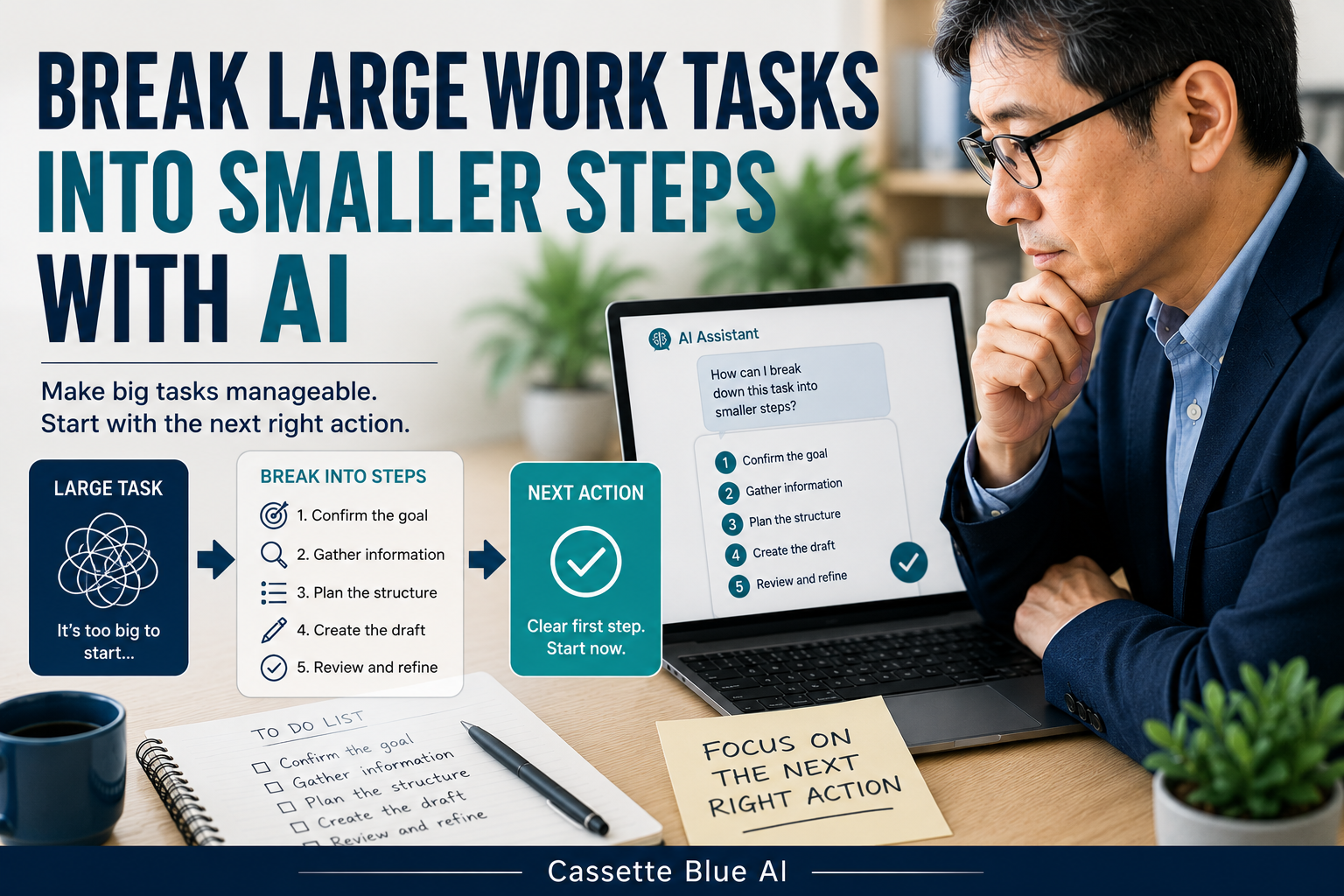
Once the work request is clear, learn how to break a large work task into smaller steps with AI.
Do not begin important work with an unclear request.
Use AI to identify the missing information.
You still decide what needs to be confirmed.
コメント