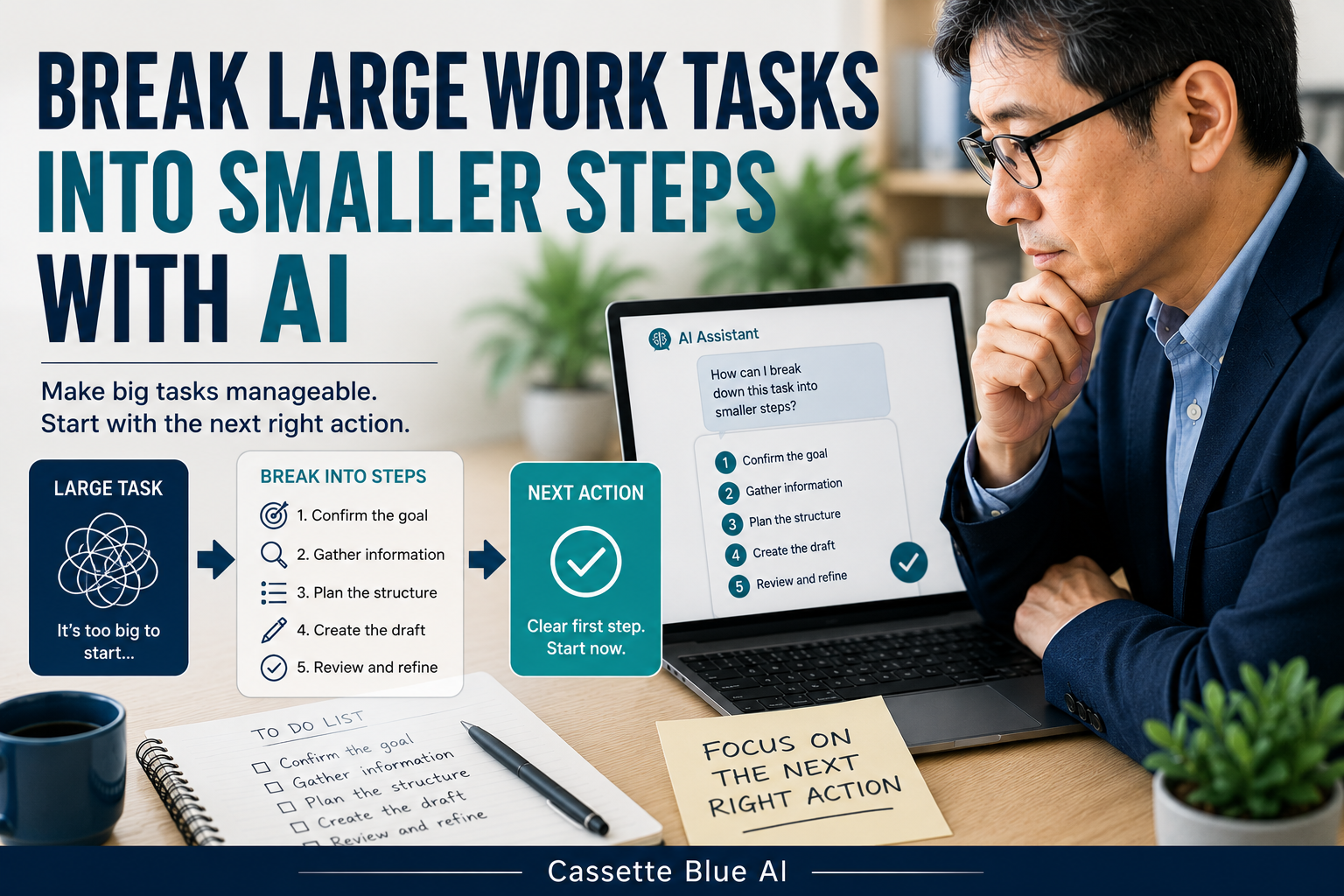
Sometimes I understand a work assignment but still do not know where to begin.
Prepare a new proposal.
Write a long report.
Coordinate with several departments.
The larger the task becomes, the harder it is to see the first step.
I am a Japanese professional in my 50s.
Through many years of work, I have learned that large assignments become harder when I try to think about everything at once.
That is why I do not ask AI to do the work for me.
I use AI to break the assignment into smaller actions.
I decide what needs to be achieved.
AI helps organize the steps.
Keeping those roles separate makes it easier to begin.
- A Large Task Is Difficult to Start in Its Original Form
- Describe the Finished Result First
- Divide the Work Into Three Stages
- Do Not Put Several Actions Into One Step
- Choose Only One First Step
- Review the Order AI Suggests
- Do Not Spend Too Much Time Building the Plan
- Do Not Enter Confidential Information
- Start With a Past Assignment
- Keep Responsibility for Moving the Work Forward
A Large Task Is Difficult to Start in Its Original Form
“Please prepare a proposal for next month.”
“Please organize a new work process.”
“Please create materials for the meeting.”
Each request may sound like one task.
In reality, it includes several different actions.
Confirm the purpose.
Collect the necessary information.
Speak with the people involved.
Create the document.
Review the final version.
When I think of everything as one large assignment, I can easily become unsure where to start.
The first step is to divide the work into smaller parts.
Before breaking the task into steps, make sure you have clarified any vague parts of the work request.
Describe the Finished Result First
Before asking AI to break down the task, I explain what the finished result should be.
For example:
I need to create a ten-minute presentation explaining a new work plan at next month’s meeting.
Then I ask:
Please divide this assignment into smaller tasks. Organize them in order, beginning with what I need to confirm and ending with the completed presentation.
This usually produces a more specific result than simply asking:
How should I approach this task?
AI works better when it understands what I am trying to complete.
The final result should be clear before the steps are created.
Divide the Work Into Three Stages
I find it useful to divide a large assignment into three stages:
- What to confirm before beginning
- What to do during the work
- What to check before completion
I may ask AI:
Divide this assignment into three stages: checks before beginning, the actual work, and checks before completion. Make each item a single action.
For a presentation, the result may look like this:
Before beginning:
- Confirm the purpose of the presentation
- Confirm who will attend
- Confirm the deadline
During the work:
- Collect the necessary information
- Create the structure
- Write the content for each section
Before completion:
- Check numbers and dates
- Confirm the presentation length
- Ask the manager or project leader to review it
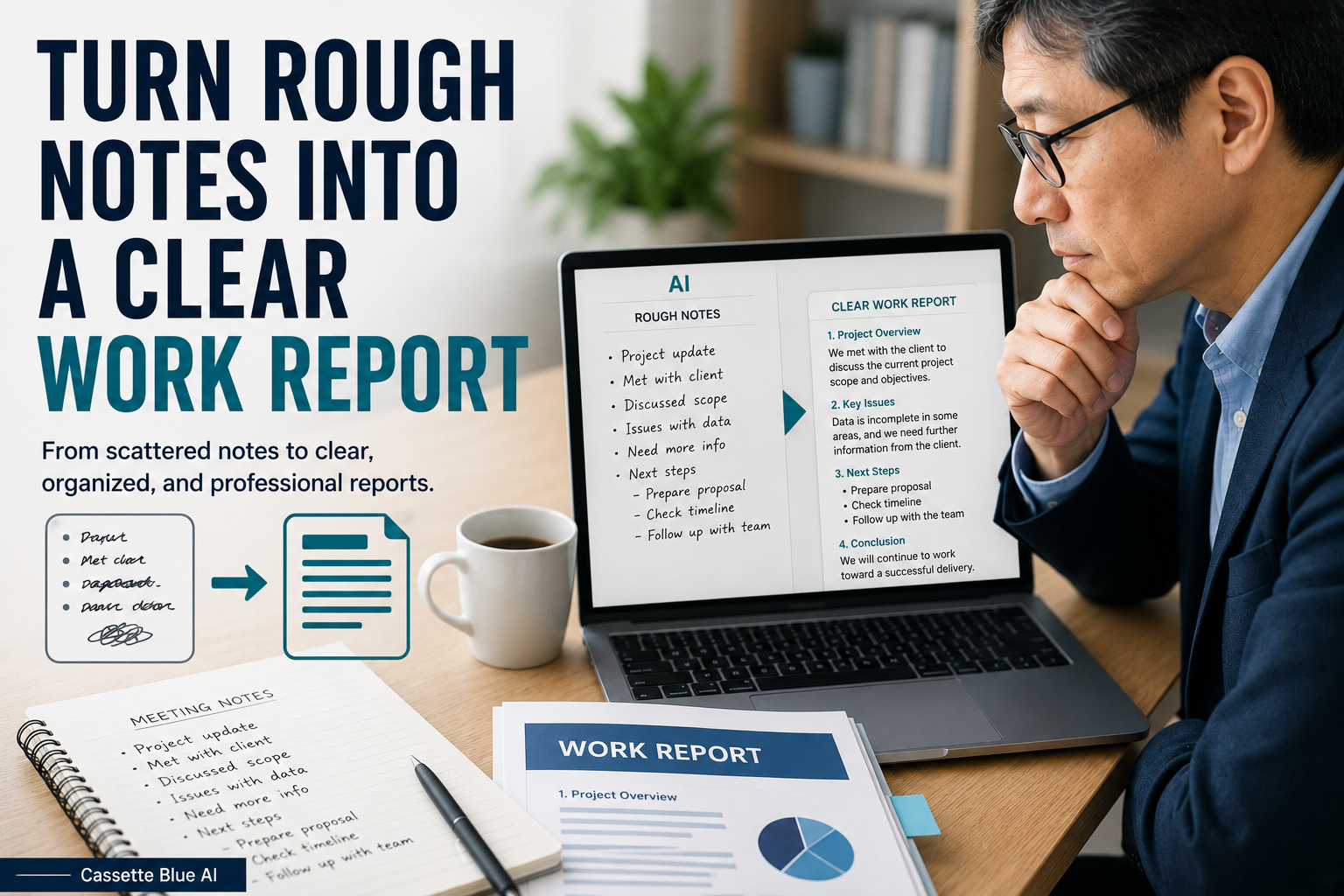
When the work is complete, you can turn your rough notes into a clear work report with AI.
Once the assignment is divided, the first action becomes easier to see.
Do Not Put Several Actions Into One Step
AI may sometimes combine several actions into one item.
For example:
Collect the necessary information, organize the content, and create the presentation.
This is still too large.
When that happens, I add:
Divide each item into one action that I can begin within 30 to 60 minutes.
The result may become:
- Find the previous project materials
- List the required figures
- Create the section headings
- Draft the first page
Not every task needs to be completed within one hour.
The important point is to make each action small enough to begin.
Choose Only One First Step
Even after dividing the work, a long list can create another problem.
There may still be too many possible starting points.
I may ask AI:
Choose the one action that must happen first before the other tasks can begin. Explain the reason briefly.
I do not automatically follow the answer.
AI may not know:
The actual deadline.
The manager’s schedule.
Whether the necessary materials are available.
How much time I have today.
I use the suggested first step as a reference and make the final decision myself.
Review the Order AI Suggests
An AI-generated task list may look logical.
But real work does not always follow a simple order.
A reply from another department may take several days.
A manager may only be available on a certain date.
A customer may need to be contacted first.
In these situations, I may need to begin a request or confirmation earlier than AI suggests.
I review the task list and ask:
Will any step involve waiting for someone else?
Should I request information before beginning another task?
Could this order create a deadline problem?
AI can suggest a general sequence.
The person who understands the workplace must decide the real sequence.
Do Not Spend Too Much Time Building the Plan
AI can create a detailed and well-organized plan.
But creating the plan can become another form of delay.
I do not need to define every step perfectly before I begin.
I usually identify the first few actions.
Then I complete the first one.
When new information appears, I adjust the remaining steps.
Work cannot always be predicted completely in advance.
An AI-generated plan should be allowed to change.
Do Not Enter Confidential Information
When breaking down a work assignment, there is usually no need to enter customer names, internal plans, prices, or contract conditions into a public AI tool.
Replace a company name with Company A.
Replace a personal name with Manager or Team Member.
Change specific figures when they are not necessary.
AI needs the structure of the assignment.
It does not need real names or confidential information.
If your employer has rules about AI use, follow those rules first.
Start With a Past Assignment
You do not need to begin with an important task that is currently in progress.
Choose a large assignment from the past that was difficult to begin.
Remove confidential information.
Then ask AI:
Divide this assignment into three stages: checks before beginning, the actual work, and checks before completion. Make each item a single action that can be started within 30 to 60 minutes. Do not guess information that is not included.
Compare the result with the steps you actually followed.
Did AI miss an important action?
Was the order realistic?
Did the first step become clearer?
Even a simple comparison can show you how AI may help with your own work.
Keep Responsibility for Moving the Work Forward
AI can divide a large assignment into smaller actions.
It can also suggest a general order.
But it cannot fully understand the real priorities of the workplace.
Deadlines.
Relationships.
Company circumstances.
Other people’s schedules.
Past decisions.
Those details are understood by the person responsible for the work.
I do not think of AI as deciding how I should do my job.
I use it to make the shape of the work easier to see so that I can begin.
If you prefer a structured way to build practical AI skills, explore AI courses for experienced professionals.
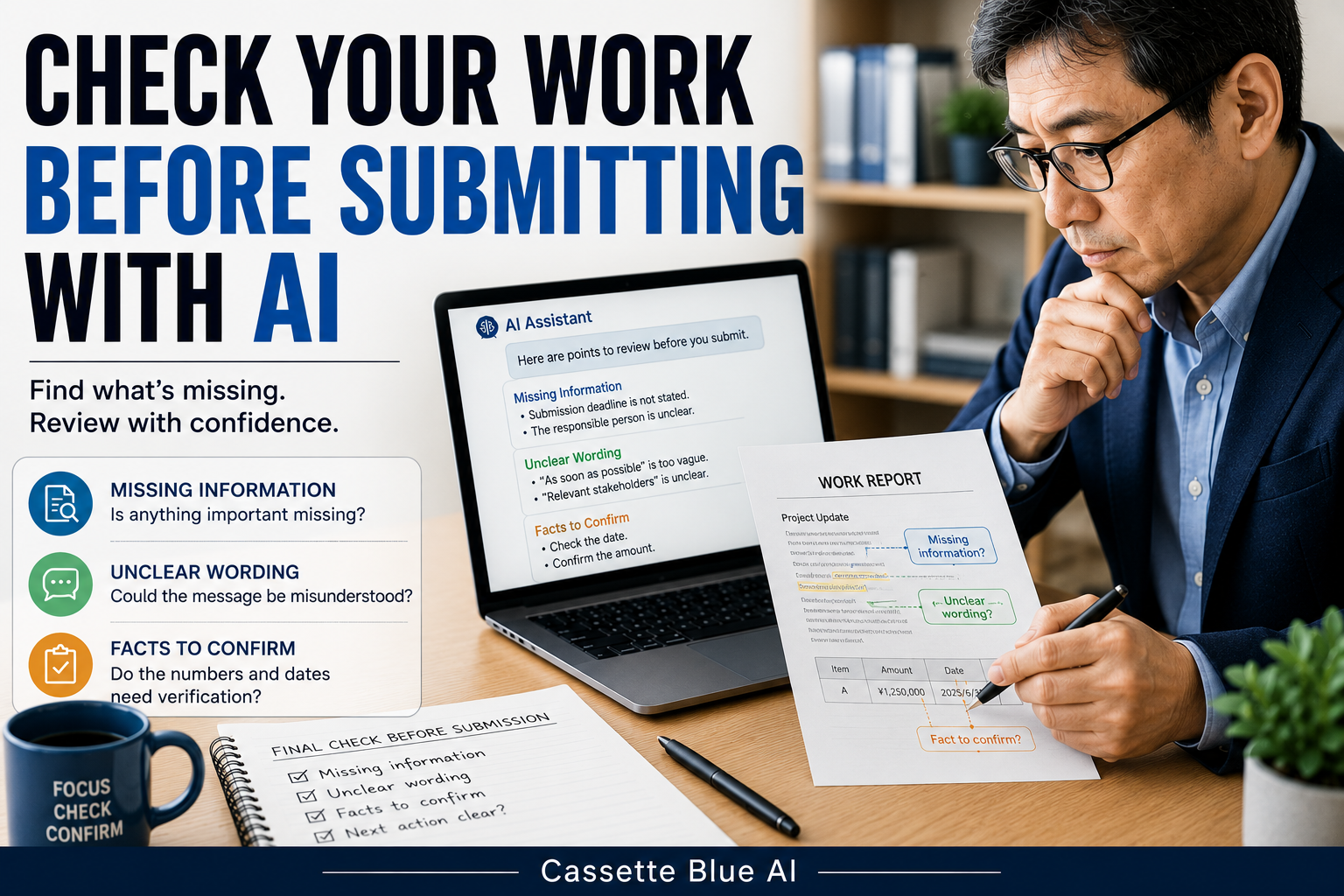
After completing the task, learn how to check your work with AI before submitting it.
Do not carry a large assignment as one heavy task.
Use AI to divide it into smaller actions.
You still decide the first step.
コメント