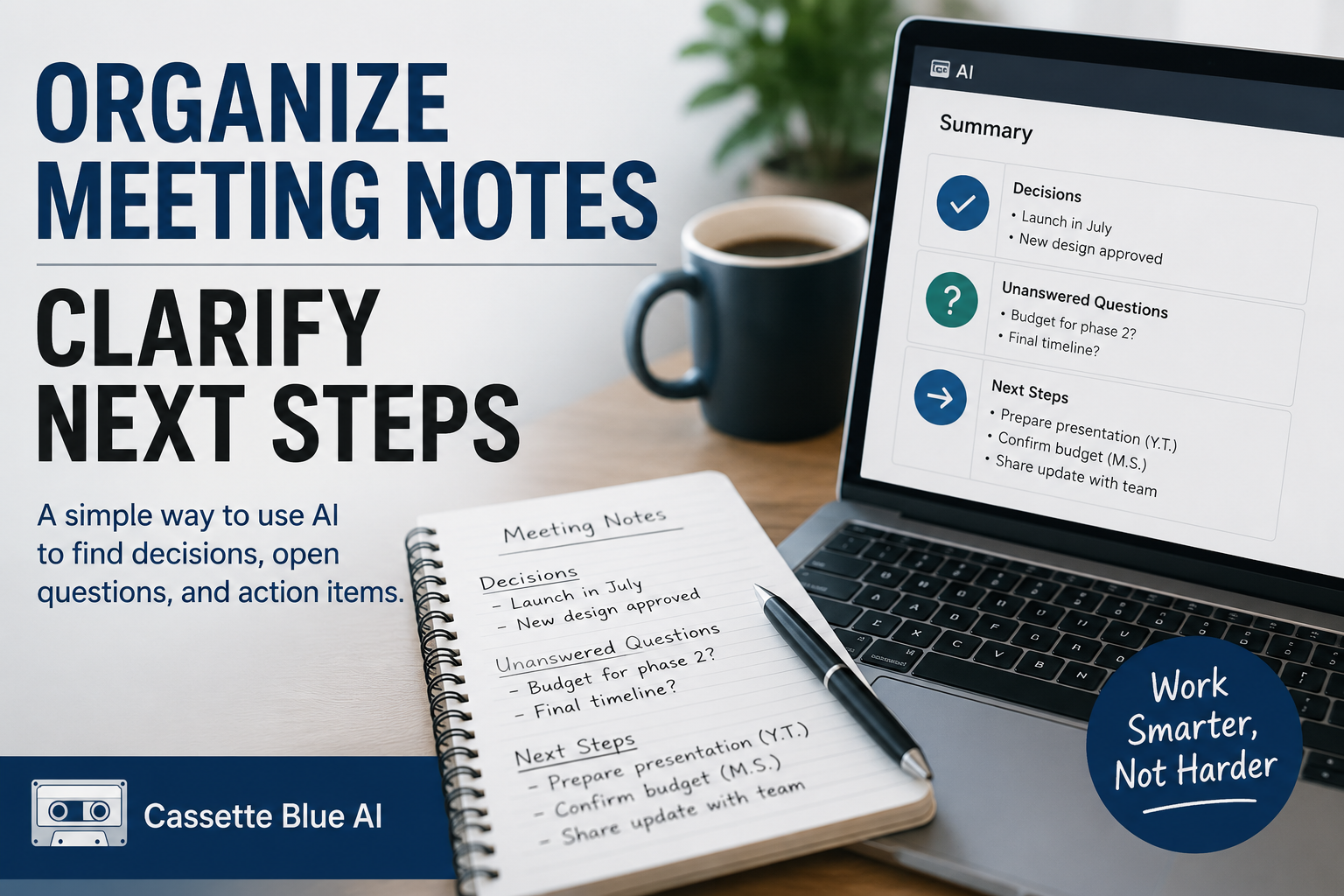
After a meeting, I sometimes look at my notes and still cannot see what needs to happen next.
The discussion is there.
But decisions, opinions, unanswered questions, and action items are mixed together.
Who is responsible?
What still needs to be confirmed?
What should happen next?
Organizing those details can take more time than expected.
I do not use AI to take responsibility for the meeting.
I use it to organize the notes I have already written.
AI does not make the decisions.
It helps me arrange the information more clearly.
This is a practical way for experienced professionals to begin using AI at work.
Meeting Notes Can Be Confusing Even to the Person Who Wrote Them
It is difficult to write perfect notes during a meeting.
The topic changes.
Someone introduces a new problem.
The discussion returns to an earlier point.
As a result, final decisions and unfinished ideas often appear in the same notes.
Everything may seem clear during the meeting.
A few hours later, the same notes can be difficult to understand.
AI can be useful for organizing this kind of unstructured writing.
It can group similar points and make the overall structure easier to see.
Remove Sensitive Information Before Using AI
Meeting notes may contain confidential company information or private customer details.
Do not copy them directly into a public AI tool.
Before using AI, I remove or replace information that does not need to be included.
I replace company and customer names with labels such as Company A or Client.
I replace personal names with terms such as manager, customer, or team member.
I also remove confidential prices, contract conditions, and internal business information.
If my employer has rules about using AI, I follow those rules first.
AI needs enough information to organize the notes.
It does not need real names or confidential details.
If you are still unsure about using AI at work, start with one small and low-risk task.
Ask AI to Divide the Notes into Three Sections
After the meeting, I give my notes to AI and use a simple prompt:
Please organize these meeting notes into three sections: decisions, unanswered questions, and next steps. Do not add any information that is not included in the notes.
The instruction does not need to be complicated.
The most important part is telling AI not to invent missing information.
If I also want to organize responsibilities and deadlines, I add:
If the responsible person or deadline is not included, mark it as “Not confirmed.”
This reduces the risk of AI creating a name or deadline based on assumptions.
It also makes the missing information easier to notice.
Separate Decisions from Opinions
In a meeting, one person’s opinion can sometimes sound like a final decision.
But these statements are different:
I think this approach would be better.
and:
We agreed to use this approach.
After AI organizes the notes, I still check whether each decision was actually agreed upon.
Who made the decision?
Was there a clear agreement?
Is the issue still under discussion?
Were there any objections?
AI can classify written sentences.
It cannot always understand the atmosphere of the meeting or the strength behind a person’s words.
The final judgment must come from someone who attended the meeting.
Compare the Summary with Your Original Notes
An AI-generated summary often looks clear and professional.
But clarity does not guarantee accuracy.
I check whether an important condition has been removed.
I check dates, numbers, deadlines, and responsibilities.
I also make sure that an unfinished discussion has not been rewritten as a final conclusion.
I always compare the AI version with my original notes.
I do not rely on the summary alone.
AI can organize the information.
I remain responsible for checking whether the information is correct.
Start with Notes from an Old Meeting
You do not need to test this method on an important meeting immediately.
Choose a short set of notes from a meeting that has already finished.
Remove names, confidential information, and private details.
Then ask AI:
Please divide these notes into decisions, unanswered questions, and next steps. Do not add any information that is not included.
Compare the result with your original notes.
Which parts became clearer?
Which parts are inaccurate?
What information is missing?
You do not need to send the summary to anyone.
Simply comparing the two versions will show you where AI is useful and where human review is still necessary.
AI can reorganize scattered notes.
It can make decisions and action items easier to see.
But it cannot fully understand the meaning of the meeting.
It does not know why a decision was made.
It may not understand which person was hesitant or which issue is still sensitive.
That understanding comes from the people who were there.
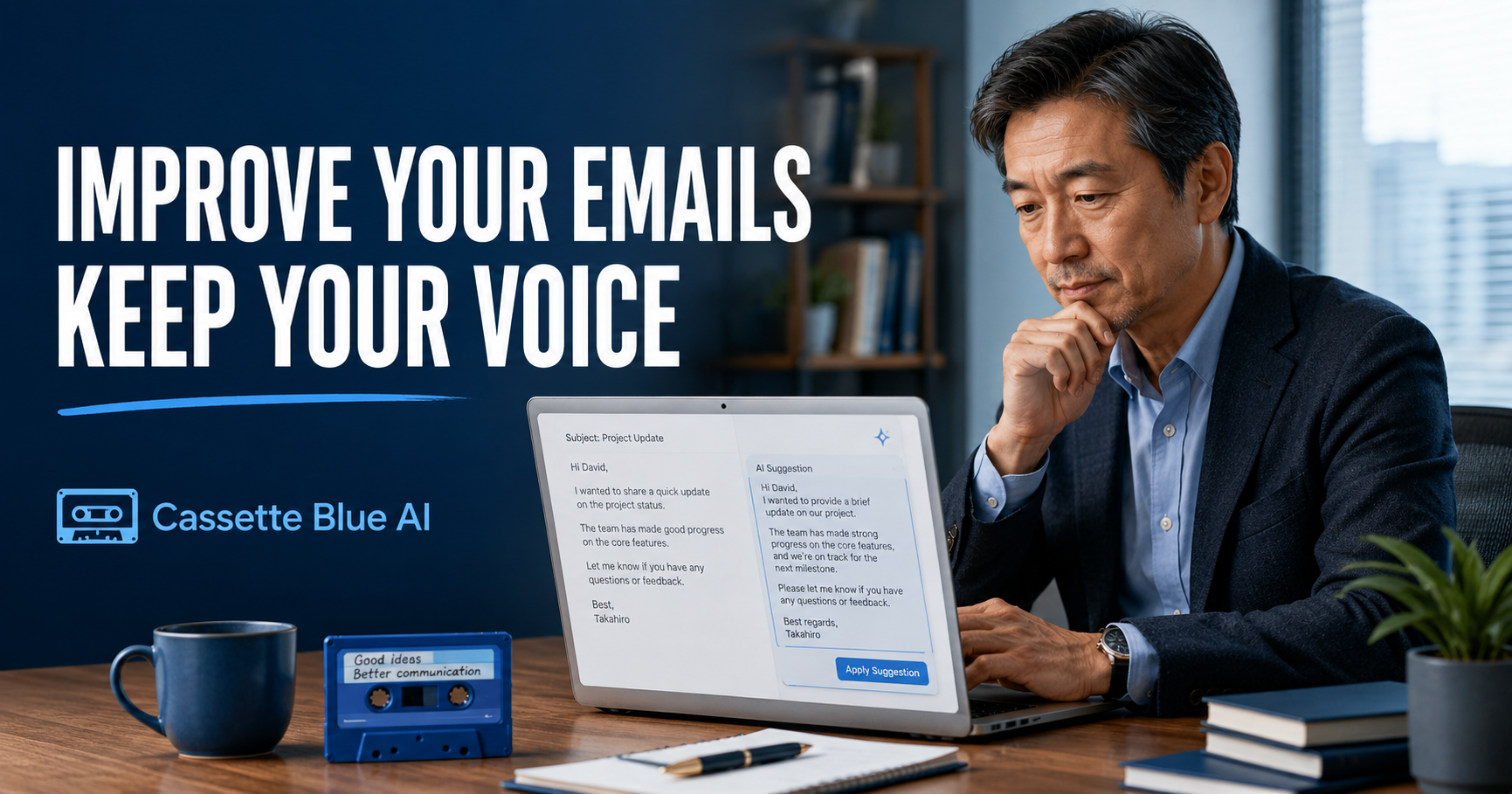
You can use the same approach to improve work emails without losing your own voice.
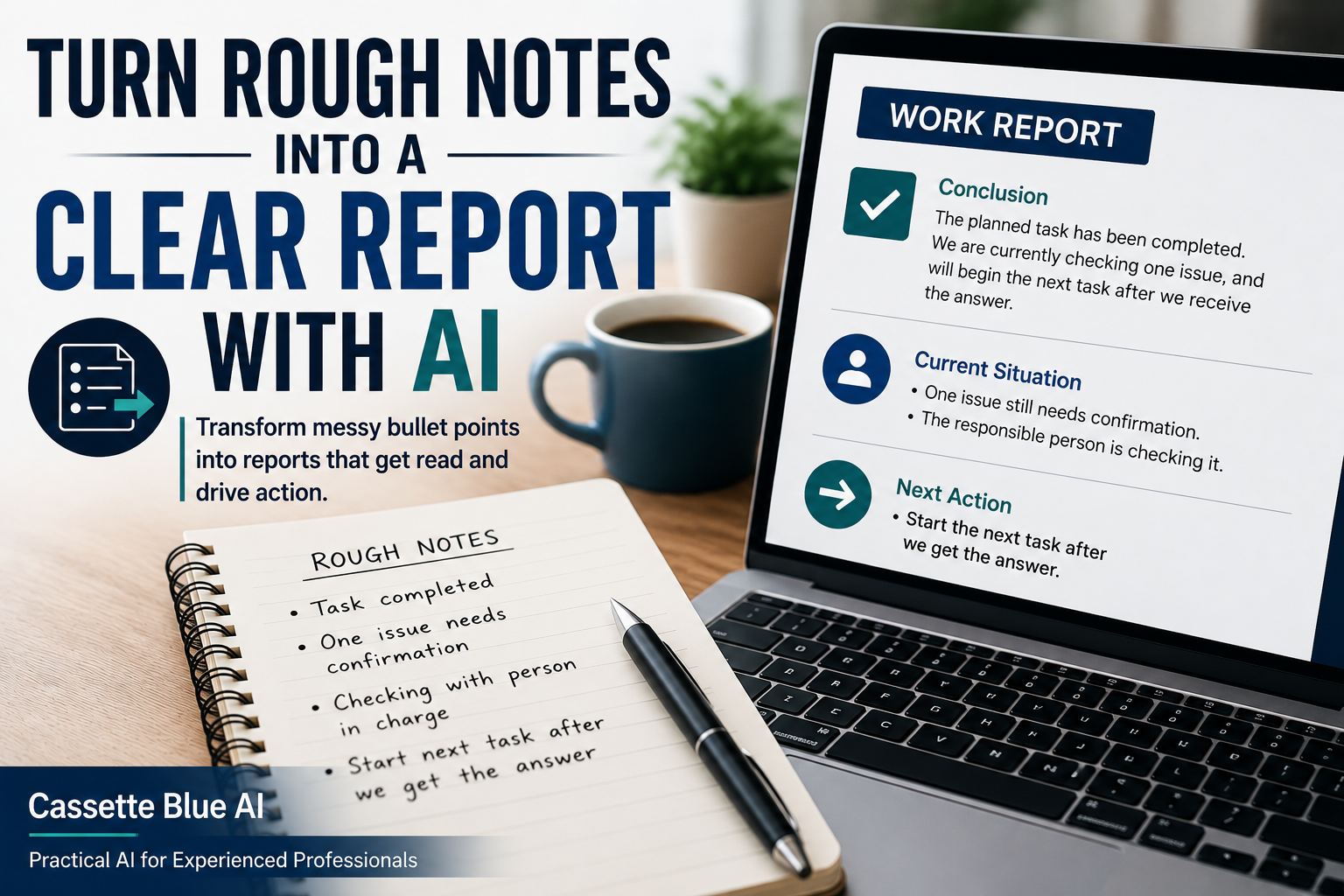
After organizing your meeting notes, learn how to turn rough bullet points into a clear work report with AI.
Do not hand the meeting over to AI.
Use AI to organize the notes you already understand.
You still decide what happens next.
コメント