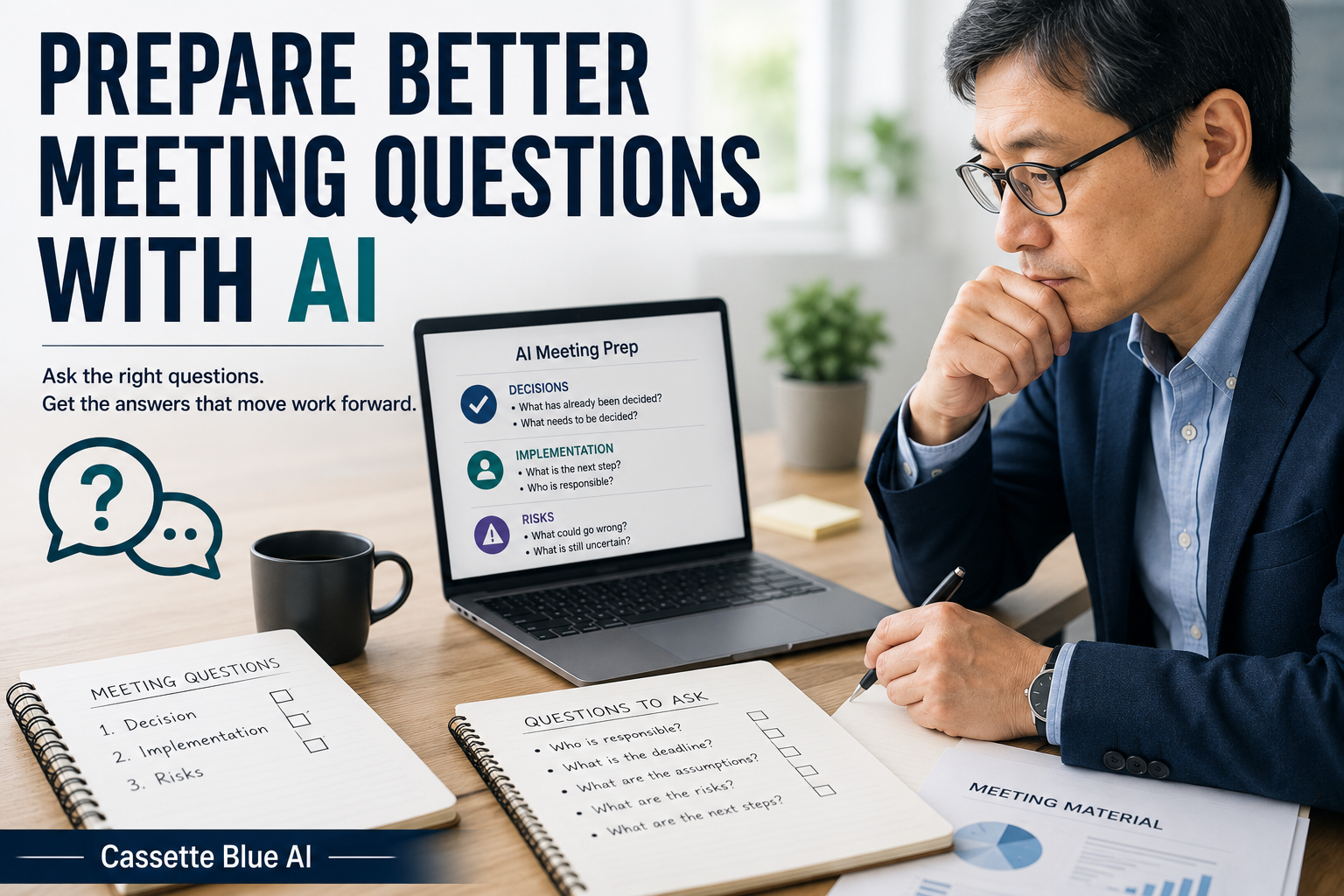
Sometimes I read the meeting materials and understand the general topic, but I still struggle to decide what I should ask.
I can see the information.
I can also notice areas that feel unclear.
But turning those concerns into useful questions takes more thought than expected.
What has already been decided?
What remains unresolved?
Who is responsible?
Where is the risk?
I am a Japanese professional in my 50s.
After attending many workplace meetings, I have learned that the number of questions is not what makes a meeting useful.
What matters is asking the right questions in the right order.
I do not ask AI to decide what should happen.
I use it before the meeting to organize the points I may need to confirm.
- Prepare Questions Before the Meeting Begins
- Tell AI What Your Role Is
- Divide the Questions Into Three Groups
- Ask AI to Make the Questions Shorter
- Decide Whether Each Question Is Necessary
- Do Not Turn a Question Into an Accusation
- Do Not Enter Confidential Information
- Start With Materials From an Older Meeting
- Keep Responsibility for the Questions
Prepare Questions Before the Meeting Begins
It is possible to think of questions while listening to the meeting.
But when I try to read the materials, follow the discussion, and prepare questions at the same time, important details can be missed.
The conversation moves to another topic.
Someone else begins speaking.
The meeting runs out of time.
Later, I may realize that no one confirmed the deadline or the responsible person.
Preparing questions before the meeting allows me to focus more carefully on the discussion.
I do not need to ask every question I prepare.
If the speaker answers one during the presentation, I can remove it from my list.
The purpose is not to ask more questions.
The purpose is to avoid missing the information I need.
Tell AI What Your Role Is
The questions that matter depend on your position.
A manager may need to confirm risk and responsibility.
A person responsible for implementation may need to confirm procedures and deadlines.
A salesperson may need to understand the effect on the customer.
That is why I do not simply upload a document and ask:
Please create some questions.
I first explain my role in the meeting.
For example:
I will attend this meeting as the person responsible for carrying out the plan. Based on the document, identify the questions I should ask before implementation begins.
This usually produces more relevant questions.
AI does not need a complicated explanation.
It needs to know who you are in the meeting and what you will be responsible for afterward.
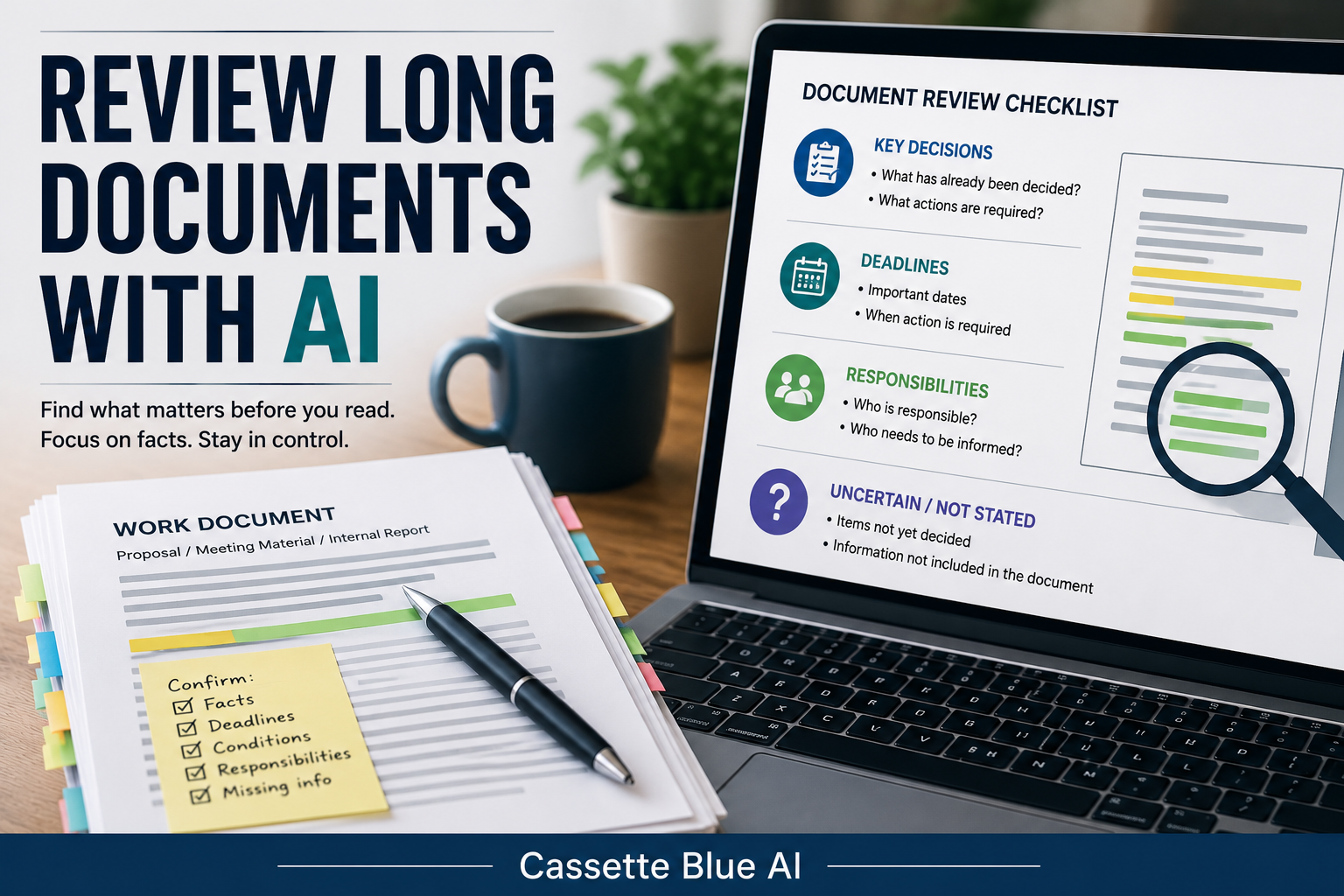
Before preparing your questions, you can also review a long work document with AI and identify the details that require closer attention.
Divide the Questions Into Three Groups
If AI creates a long list of questions, it can become difficult to see which ones matter most.
I ask AI to divide the questions into three groups:
- Questions needed for a decision
- Questions needed for implementation
- Questions about risk
I may use this prompt:
Based on this document, organize the questions I should ask in the meeting into three groups: decisions, implementation, and risks. Exclude questions that can already be answered from the document.
The final sentence is important.
If the answer is already clearly written in the materials, asking the same question may waste the meeting’s time.
I want AI to find what the document does not explain clearly.
The goal is not to repeat the document.
The goal is to identify the information still required to move the work forward.
Ask AI to Make the Questions Shorter
AI sometimes creates questions that are too long to use naturally in a meeting.
The question may include unnecessary background information or several ideas at once.
When that happens, I add:
Rewrite each question as one short sentence.
For example, AI may produce:
If this plan moves forward, who will coordinate communication between the departments and hold final responsibility for the process?
A shorter version is:
Who is responsible for coordinating between departments?
The shorter question is easier to understand.
It is also easier for me to find quickly while the meeting is in progress.
I do not need AI to create the perfect polite sentence.
I first want a clear question.
I can adjust the tone later based on the people in the meeting.
Decide Whether Each Question Is Necessary
I do not use every question AI suggests.
Some questions may be too general.
Some may not relate to my responsibilities.
Others may already have been answered in an earlier conversation.
For each question, I ask myself:
Will I be unable to continue the work without this answer?
Could the answer change what I need to do?
If the answer to both is no, I may not need to ask the question.
Asking a question is not the goal.
The goal is to obtain the information required to complete the work correctly.
Professional experience is useful here.
AI can produce possible questions.
Experience helps me decide which questions actually matter.
Do Not Turn a Question Into an Accusation
AI may sometimes produce a question that sounds too direct.
For example:
Why has the responsible person not been decided?
Even when I only want to confirm the situation, this may sound like criticism.
I may change it to:
When will the responsible person be confirmed?
or:
Who is currently expected to take responsibility for this task?
The information I need is similar, but the tone is different.
In Japanese workplaces, the way a question is expressed can be considered almost as important as the question itself.
However, this is not only a Japanese concern.
Respectful questions help meetings in any country.
AI does not fully understand the relationships between the people in the room.
I need to adjust the wording based on the situation.
Do Not Enter Confidential Information
Meeting materials may include customer names, prices, contracts, or internal company plans.
Do not upload confidential materials directly to a public AI tool.
Replace company names with labels such as Company A.
Replace personal names with Manager or Team Member.
Remove prices and contract details when they are not necessary.
If your employer has rules about using AI, follow those rules first.
You do not need to expose confidential information simply to organize your questions.
For practice, use a public document or a sample document you created yourself.
Start With Materials From an Older Meeting
You do not need to begin with an important upcoming meeting.
Choose materials from a meeting that has already finished.
Remove personal and confidential information.
Then ask AI:
I will attend this meeting as the person responsible for carrying out the plan. Identify the questions that cannot be answered from the document. Divide them into decisions, implementation, and risks. Keep each question to one short sentence, and do not guess missing information.
Compare the result with what actually happened in the meeting.
Did AI identify an important question?
Did it create unnecessary questions?
Did it notice something you had overlooked?
You do not need to use the questions in a real meeting.
Simply comparing them with your own experience will show you where AI is helpful.
Keep Responsibility for the Questions
AI can find unclear sections in a document.
It can turn those areas into possible questions.
But it cannot fully decide whether a question should be asked.
The purpose of the meeting.
The relationship between the participants.
The information already shared.
The situation in the room.
These details are understood by the people taking part in the meeting.
I do not think of AI as asking questions for me.
I use it to organize what I may need to confirm.
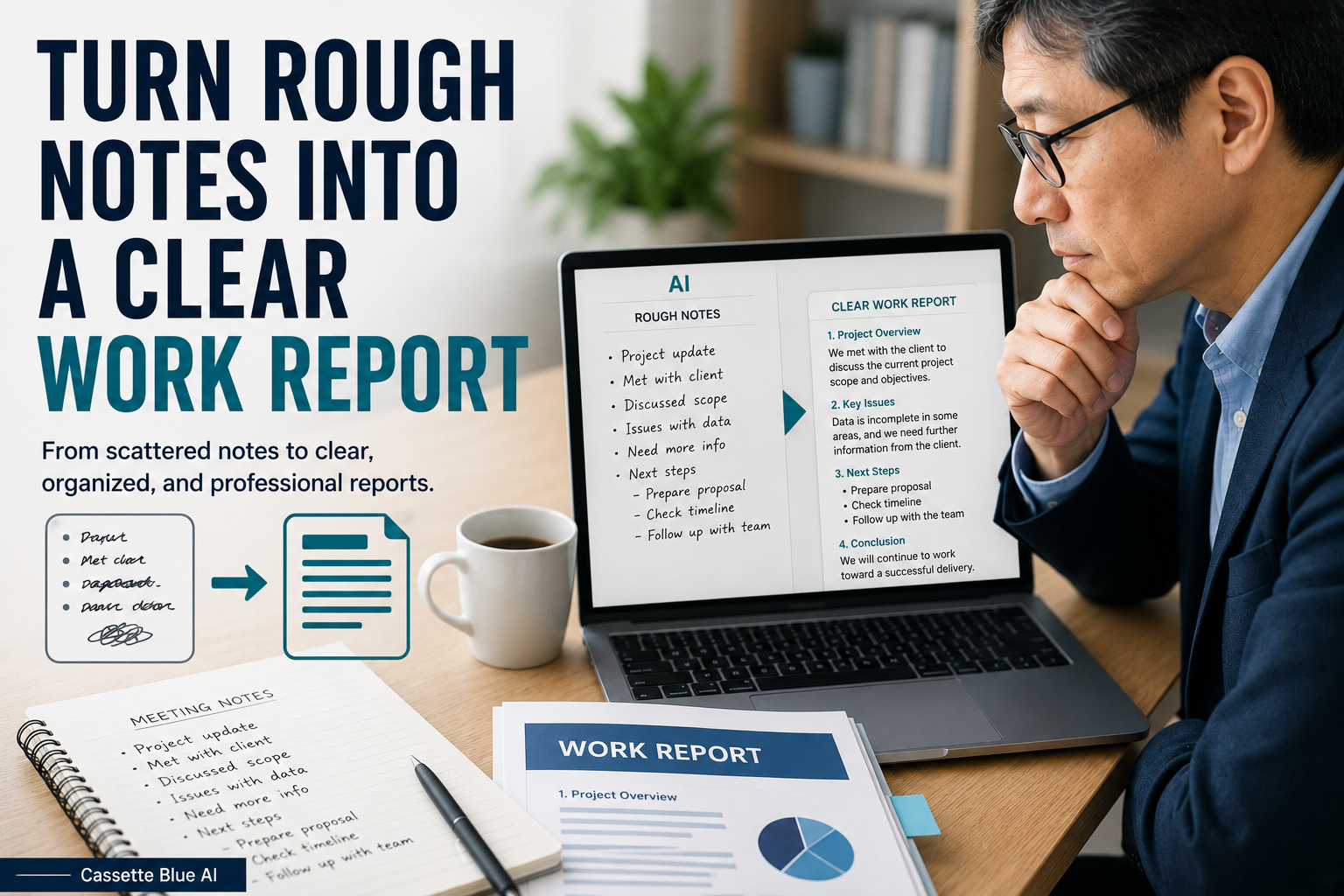
After the meeting, I can then organize the meeting notes and clarify the next steps.
If you prefer a structured way to build practical AI skills, explore AI courses for experienced professionals.
Before preparing meeting questions, you may first need to clarify a vague work request and identify the missing information.
AI can help create possible questions.
I decide which questions need to be asked.
Responsibility for moving the meeting forward remains with me.
コメント