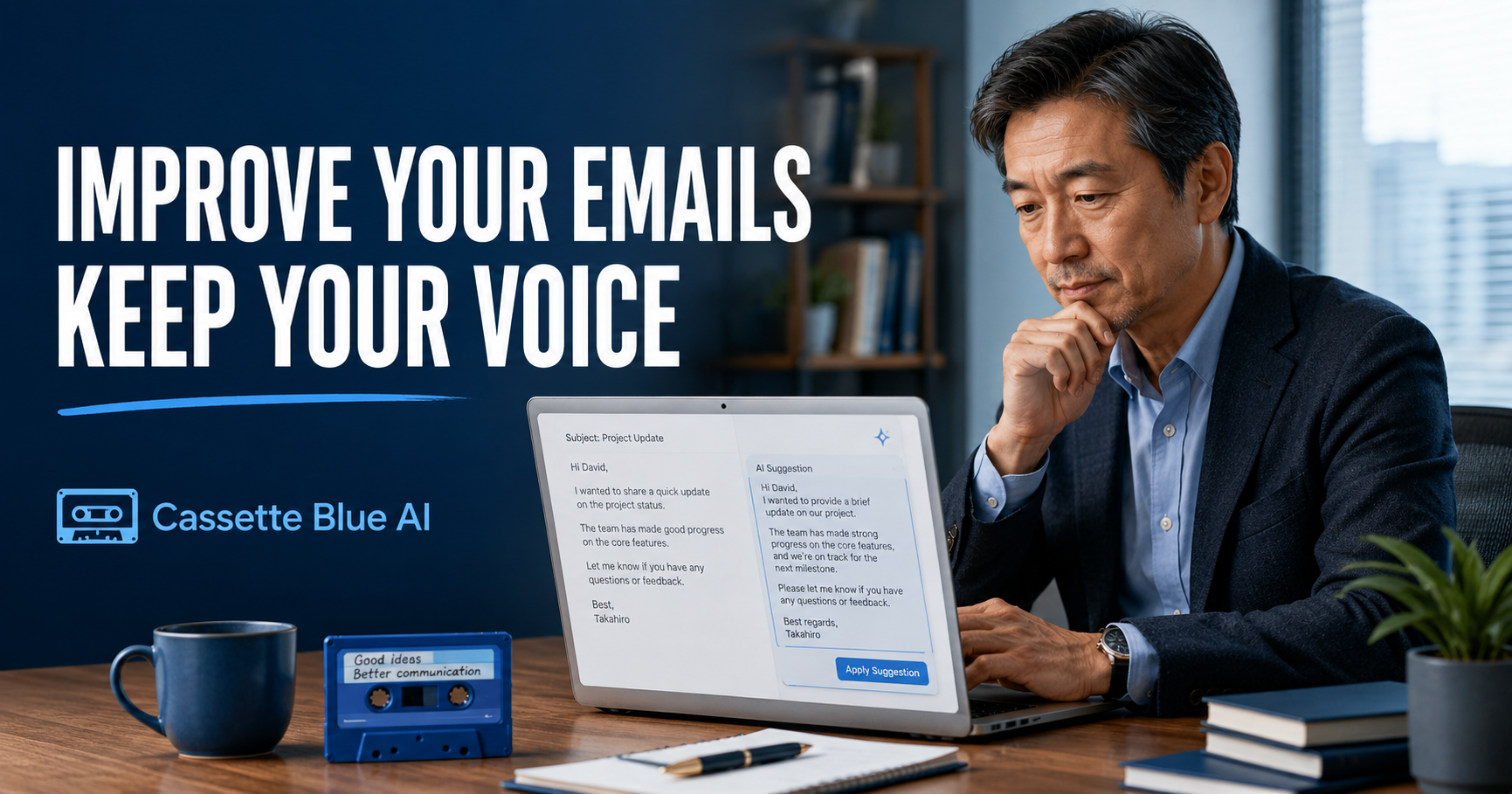
If you want to begin using AI at work, email is one of the easiest places to start.
You do not need to ask AI to create a new business strategy.
You do not need to give it responsibility for an important decision.
You can begin by asking it to improve something you have already written.
That is how I started using AI for work.
But I do not send an AI-generated email without reviewing it.
AI can improve structure and clarity quickly.
It does not fully understand my relationship with the recipient, our previous conversations, or the workplace situation behind the message.
So I do not use AI to replace my writing.
I use it as a partner that helps me improve what I have already written.
- A Correct Email Is Not Always a Good Email
- I Do Not Ask AI to Write Everything from the Beginning
- AI Sometimes Makes My Writing Sound Too Impressive
- I Give AI Enough Context to Understand the Tone
- I Check Two Things Before Using the Result
- I Use the Same Method for English Emails
- Saving Time Is Not the Only Benefit
- Start with an Email You Have Already Sent
- Do Not Give Your Voice Away
A Correct Email Is Not Always a Good Email
Good workplace communication requires more than correct grammar.
The right wording depends on the relationship.
Are you writing to a long-term customer?
Are you asking a colleague for help?
Are you confirming a deadline?
Are you refusing a request?
The same message may need a different tone depending on the recipient.
In Japanese workplaces, language can also change according to age, position, seniority, and whether the person is inside or outside the company.
A message that is too direct can sound cold.
A message that is too polite can become long and unclear.
AI can produce a grammatically correct and professional email.
But only a person can decide whether that email is appropriate for the relationship.
I Do Not Ask AI to Write Everything from the Beginning
I usually write the first draft myself.
It does not need to be polished.
I only need to make the important points clear.
What do I want to communicate?
What do I want the recipient to do?
Is there a deadline?
Which details must be included?
I decide those things first.
Then I show the draft to AI.
A prompt I often use is:
Please make this email clearer without changing the meaning. Keep it polite, but shorten any wording that is unnecessarily long.
This keeps the message under my control.
AI helps with structure, wording, and clarity.
It does not decide the purpose of the email.
If you are still waiting until you feel fully prepared, begin with one small task before trying to use AI for important work.
AI Sometimes Makes My Writing Sound Too Impressive
When AI improves an email, the result may look more polished than my original draft.
At first, that can seem better.
But when I read it again, I sometimes find language I would never use.
The email may sound too formal.
A simple request may become unnecessarily dramatic.
The wording may be correct but still feel unnatural.
That is when I ask myself:
Would I actually say this?
If the answer is no, I change it.
I do not need to accept every suggestion.
Sometimes I use only one sentence.
Sometimes I keep my original wording and use only the structure suggested by AI.
A polished sentence is not always the right sentence.
The email still needs to sound like the person sending it.
I Give AI Enough Context to Understand the Tone
AI does not know who the recipient is.
If tone matters, I give it a small amount of background.
For example:
This email is for a customer I have worked with for several years. Keep it polite, but do not make it overly formal.
Or:
This is a request to a younger colleague. Make it friendly and respectful, without sounding like an order.
That information can change the result significantly.
However, I do not enter the recipient’s full name, confidential company information, or private customer details.
AI only needs enough context to adjust the tone.
It does not need sensitive information.
I Check Two Things Before Using the Result
After AI revises an email, I mainly check two points.
The first is whether the meaning has changed.
AI may improve the wording but accidentally alter a condition or request.
Dates, prices, quantities, deadlines, and responsibilities need particular attention.
The second is whether the message still sounds like me.
Is it too formal?
Does it sound cold?
Does it contain words I would never normally use?
Does the tone fit my relationship with the recipient?
AI can improve the language.
I remain responsible for the meaning and the relationship.
I Use the Same Method for English Emails
English is not my first language.
That makes AI particularly useful when I need to write an email in English.
But I still do not hand over the entire task.
First, I organize what I want to say.
Then I ask AI:
Please rewrite this as a clear and polite business email. Keep the tone professional but not overly formal.
AI can help make the English sound more natural.
However, I still check the dates, numbers, conditions, and main request.
Natural English is not automatically accurate English.
The message still needs human review.
Saving Time Is Not the Only Benefit
The purpose of using AI is not only to write an email a few minutes faster.
AI can also help me check whether my thinking is clear.
It can shorten a long explanation.
It can move the conclusion closer to the beginning.
It can make an unclear request more specific.
These changes can improve workplace communication.
But AI cannot fully understand the recipient.
It does not know how much background information that person already has.
It does not know whether this is the right time to make the request.
It does not understand the history of the relationship unless I explain it.
That judgment still comes from professional experience.
Start with an Email You Have Already Sent
You do not need to test AI on an important email you are about to send.
Choose a short email you sent in the past.
Remove any names, private information, or confidential details.
Then ask AI:
Please make this email shorter and clearer without changing the meaning.
Compare the two versions.
Which one is easier to understand?
Does the revised version still sound like you?
Does the tone fit the relationship?
You do not need to send anything.
Simply comparing the versions will teach you where AI is useful and where human judgment is still necessary.
Do Not Give Your Voice Away
AI can make writing faster.
But there is also a risk that every email begins to sound the same.
Work emails reveal something about the person who sends them.
Some people communicate very directly.
Others explain things more gently.
Those differences do not need to disappear.
AI should not speak instead of you.
It should help you express your own message more clearly.
I decide what I want to say.
AI helps me improve the wording.
I make the final decision.
That order matters.
If you prefer to learn the basics in a clearer order, explore AI courses for experienced professionals.
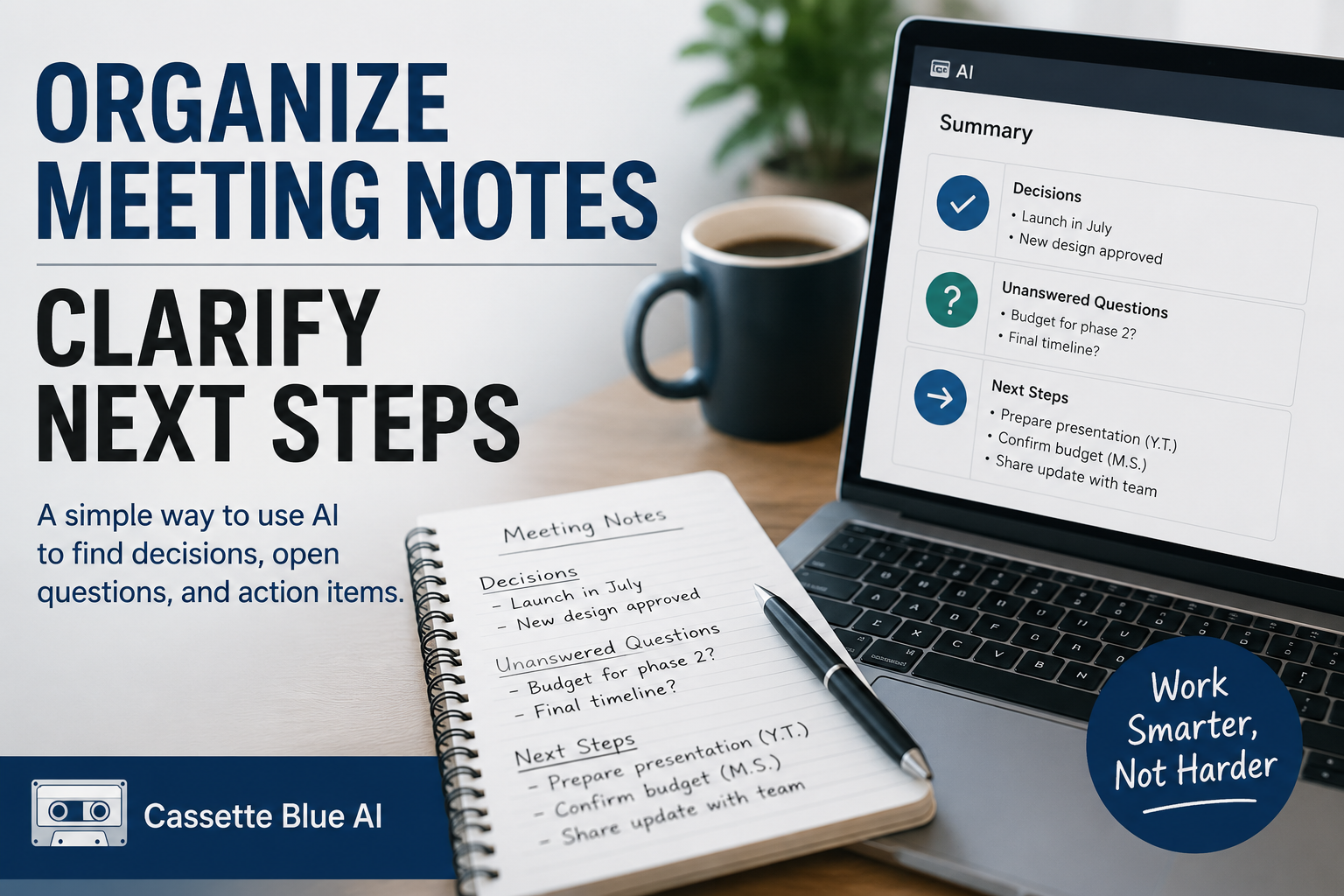
After improving your emails, you can also learn how to organize meeting notes with AI and clarify what to do next.
Do not ask AI to replace your voice.
Use it to improve the message you already want to send.
The final words should still be yours.
コメント